HEIC to JPG, PNG to JPG, resize and compress to the size a form asks for. Convertly works on your iPhone, with no ads, no watermark and no upload.
iPhone · iOS 17 or later · App Store release coming soon
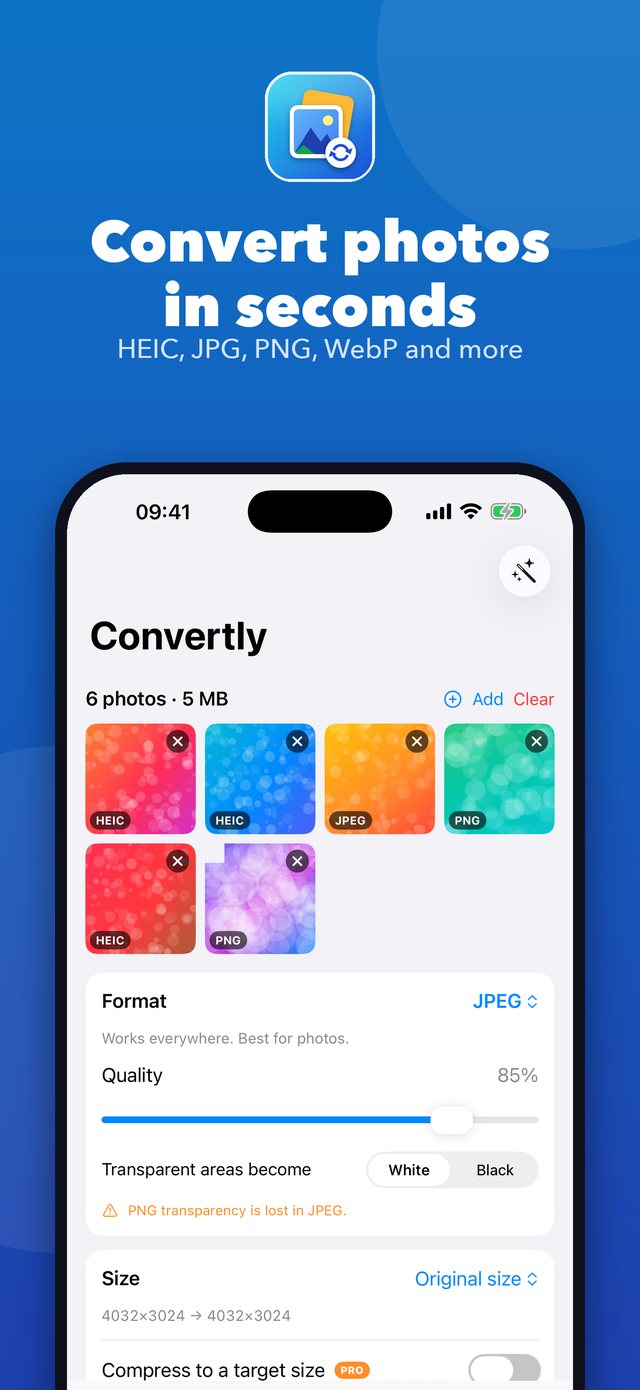
Pick photos, choose what you want, tap Convert.
Read HEIC, JPEG, PNG, WebP, AVIF, GIF, TIFF and more. Save as JPEG or PNG for free, or as HEIC, AVIF, TIFF, GIF, BMP, JPEG 2000, ICO and PDF with Premium.
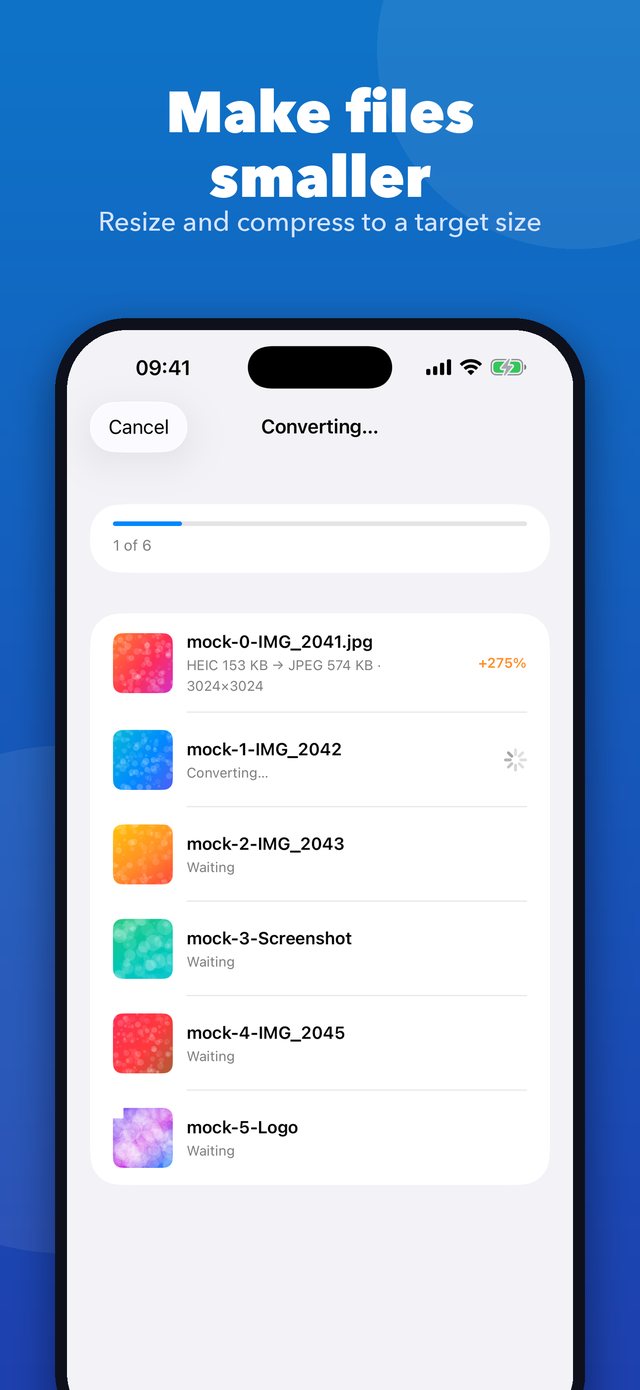
Change the size by percent, long edge, width or height. Compress to a target size such as 500 KB for forms and email, and see the result before you convert.
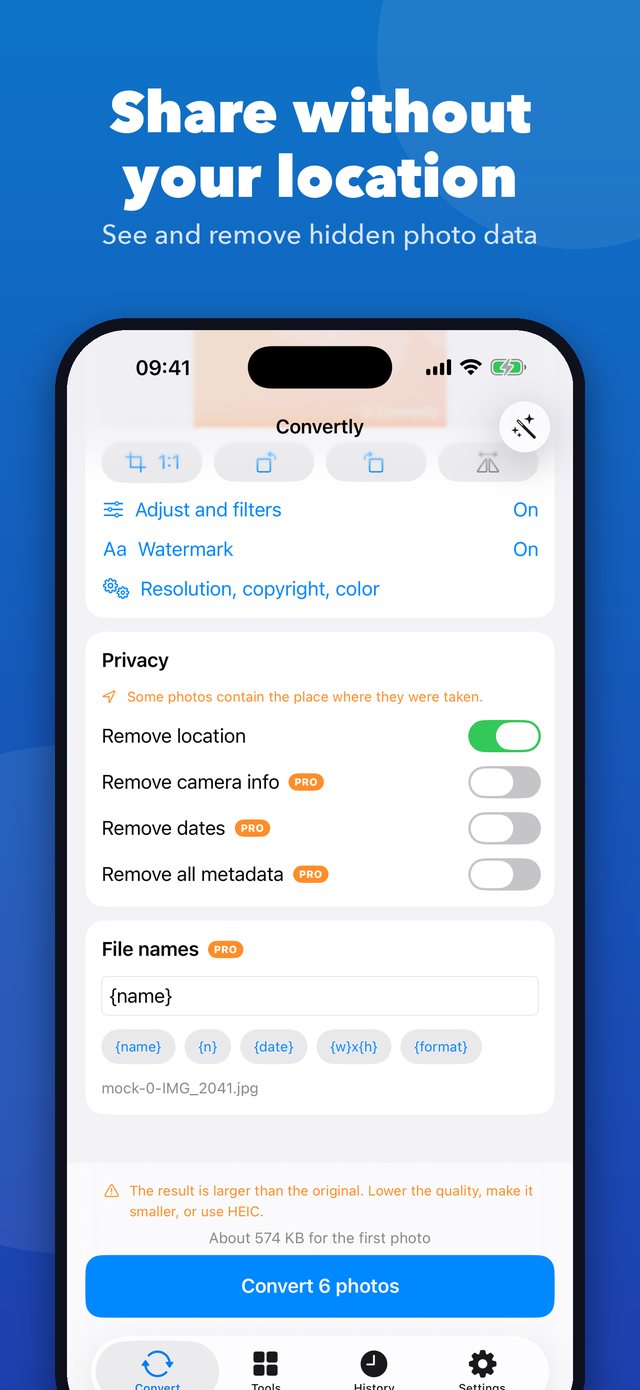
See the camera, date and location stored in a photo, and remove the location before you share it. Premium gives full metadata control.
Crop, rotate, filters, brightness and color, plus your own text or logo watermark. Preview everything on your photo first.
Convert many photos at once and rename them with your own pattern. Presets for email, web, Instagram, YouTube and more.
Photos to PDF and back, collages, frames from a video, video to GIF, and app icon and favicon packs from one image.
A native design that stays out of your way.
Convertly has no ads, no analytics and no tracking. Your photos are processed on your iPhone.
Conversion happens on your device and works without internet.
You pick photos with the system picker. Convertly only asks to add photos to your library when you tap Save to Photos.
No. Conversion, resizing and editing run on your iPhone. The only network use is Apple and RevenueCat for purchases.
HEIC compresses better than JPEG, so the same photo is usually larger as JPEG. Lower the quality, make the photo smaller, or keep HEIC if the place you share it supports it. Convertly shows the size before you convert.
Convertly reads WebP and can turn it into JPEG, PNG and more. Saving as WebP is not available yet.
Never. A watermark is only added if you turn it on in the Premium watermark option.
Permission to add photos. Convertly never reads your library: you choose photos with the system picker.
Subscriptions are managed by Apple: Settings, your name, Subscriptions, Convertly. Lifetime Premium is a one-time purchase.
 Convertly